Why Comfort Matters More Than Fancy Equipment
Three years ago, I spent an entire weekend filming a tutorial series. By Sunday evening, my neck was locked in place, my lower back was screaming, and I had a tension headache that lasted two days. The footage? Mediocre at best. I had focused entirely on the camera settings and completely ignored the environment I was working in.
That experience taught me something valuable: the best camera in the world won’t help if you’re too uncomfortable to use it properly. Comfort isn’t a luxury for content creators—it’s a productivity tool. When your body isn’t fighting your workspace, your mind stays focused on the actual creative work. I’ve since rebuilt my workspace three times, learning from each mistake. This article shares what actually works, based on real daily use, not marketing specs. No affiliate links, no brand pushing—just practical gear and setup advice that keeps you healthy and productive.
Camera Support That Saves Your Back and Your Shots
The Tripod You’ll Actually Use
Here’s the truth: a heavy, expensive tripod that stays in your closet is worse than a lightweight one you actually carry. I learned this after buying a “professional-grade” tripod that weighed more than my camera bag. It gathered dust for months.
For everyday use, prioritize these features:
- Quick-release plate system—Switching between handheld and tripod should take seconds, not minutes. A standard Arca-Swiss-compatible plate means you can move between supports without re-mounting.
- Flip-lock legs—Twist-lock legs look sleek, but flip locks are faster in cold weather, low light, and when you’re wearing gloves. Speed matters when you’re capturing fleeting moments.
- Reversible center column — Essential for overhead shots of flat lays, cooking videos, or unboxing content. You don’t need a separate overhead rig if your tripod can do this.
Don’t Ignore the Monopod
I resisted monopods for years, thinking they were just “tripods for people who couldn’t afford tripods.” I was wrong. For event coverage, run-and-gun interviews, or even just walking through a location while filming B-roll, a monopod with feet (a small tripod base at the bottom) gives you 80% of a tripod’s stability with 20% of the setup time. My shoulder thanked me after switching to one for long filming sessions.
Tabletop Support for Desk Work
If you film product reviews, tutorials, or talking-head segments at your desk, a small tabletop tripod or flexible arm clamp saves enormous space. I use a clamp-style mount attached to my desk edge for overhead shots—no floor stand needed, no tripping hazard, and it folds away when I’m done.
Lighting Basics Every Creator Overlooks
Natural Light Is Unpredictable—Plan for It
I started filming near a large window because the natural light was beautiful. Then winter came, and I had about 45 minutes of usable light per day. My upload schedule didn’t care about the season.
The solution wasn’t buying expensive lights immediately. It was understanding control:
- Diffusion panels — A simple 5-in-1 reflector with a diffusion panel softens harsh window light and works as a fill when you add artificial lights later. Cost: minimal. Impact: massive.
- Blackout curtains or adjustable blinds — Sometimes you need to block light, not add it. Being able to control ambient light completely is more valuable than owning three lights you can’t dim.
Continuous vs. Strobe: For Video, There’s Only One Answer
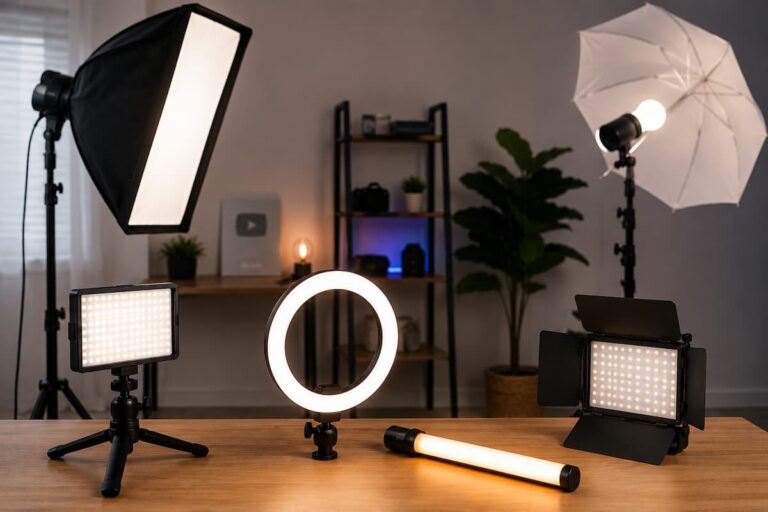
If you create video content, you need continuous lighting. Strobe flashes are for photography. I made the mistake early on of buying a “hybrid” setup that was mediocre at both. For video work, invest in LED panels with adjustable color temperature (bi-color, 3200K–5600K).
Here’s what to look for:
- High CRI rating (95+)—The Color Rendering Index determines how accurately colors appear on camera. Cheap LEDs make skin tones look sickly. Test this by filming your hand under the light before committing.
- Silent operation — Some budget LED panels have fans that hum on your audio track. Check reviews specifically for noise complaints.
- Dimming without flicker — At low brightness, poor-quality LEDs flicker, which shows up as banding in video. Quality lights dim smoothly across the entire range.
Audio Gear That Doesn’t Tie You Down
The Microphone Position Problem
Poor audio ruins good video faster than poor video ruins good audio. But here’s what nobody tells you: microphone placement is an ergonomic issue too.
I used a shotgun mic on a boom arm for months. It sounded great, but I was constantly leaning into its pickup pattern or adjusting my seating position to stay consistent. The mental load of “am I close enough to the mic?” distracted me from delivering content.
The fix was simpler than I expected:
- Lavalier microphones — For talking-head content, a wired lavalier clipped to your shirt eliminates positioning anxiety entirely. Yes, wires are slightly annoying, but the consistency is worth it. Wireless systems add complexity and battery management—fine for interviews, unnecessary for solo desk work.
- USB dynamic microphones — If you do voiceover work, a dynamic USB mic (like the classic podcasting mics) rejects room noise better than condensers and doesn’t require you to lean in. You can sit back, relax, and speak naturally.
Headphones That Don’t Hurt
After four hours of editing with over-ear headphones, my ears feel like they’ve been in a vice. I switched to lightweight on-ear monitors for editing sessions under two hours and IEMs (in-ear monitors) for longer stretches. The difference in fatigue is dramatic. Your ears are part of your workspace—treat them accordingly.
The Desk Setup That Changed My Workflow
Height Matters More Than Width
I used a standard 29-inch desk for years. My camera sat on a stack of books to get to eye level for video calls. My wrists angled upward to reach the keyboard. My monitor was too low, forcing my neck down.
Switching to a height-adjustable desk wasn’t about standing all day—it was about finding my height. At 5’10”, my ideal desk height for typing is 27 inches, not 29. For filming, I raise it to 33 inches so my camera (on a small tripod on the desk) hits eye level without risers. One desk, multiple purposes, proper ergonomics for each.
Monitor Arms Free Up Space and Reduce Neck Strain
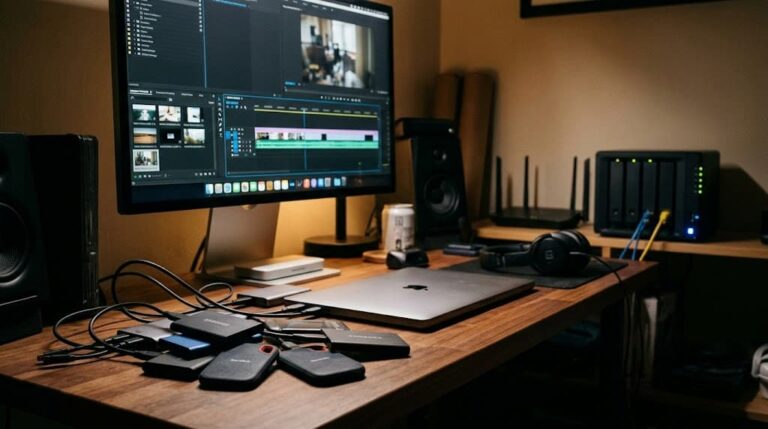
A monitor arm seems like a luxury until you use one. Being able to pull your screen to the exact height and distance you need, then push it back when you need desk space for filming, is transformative. For creators who film on their desk, this is essential—you can’t have a monitor sitting in the background of your shot because it’s too heavy to move.
The Second Monitor Debate
I used dual monitors for years. Then I tried a single ultrawide. For video editing, the timeline space is unbeatable. For writing scripts, I can have research on one side and my document on the other. But for filming? I disconnect it entirely and use only my laptop screen to avoid monitor reflections in my glasses. Having a setup that’s easy to reconfigure matters more than having the “perfect” permanent setup.
Cable Management: The Unsung Hero
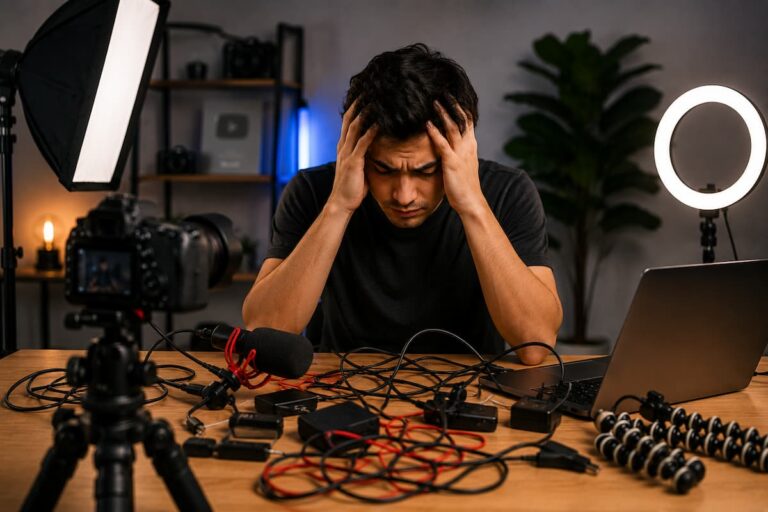
Nothing says “amateur” like a rat’s nest of cables visible in your background. But cable management isn’t just aesthetic—it’s functional. I’ve tripped over a power cable while filming a walkthrough, sending my camera swinging. I’ve spent 20 minutes untangling HDMI cables when I should have been recording.
My current system is boring but effective:
- Under-desk cable trays—All power bricks and excess cable length live here, not on the floor.
- Color-coded velcro ties — Power cables are black ties, data cables are blue, and audio are green. When I need to disconnect something quickly, I know which bundle to grab.
- Retractable cable reels for frequently moved gear — My microphone cable and HDMI cable for my monitor both retract. When I need to move something, the cable follows cleanly instead of dragging across the desk.
- A “filming mode” power strip—One switch kills every non-essential device (second monitor, desk lamp, charger) when I need to eliminate background noise or reduce electrical hum for audio recording.
Quick Reference: Workspace Essentials at a Glance
| Category | Priority Item | Why It Matters | Comfort Impact |
|---|---|---|---|
| Camera Support | Lightweight tripod with quick-release | Reduces setup friction; encourages use | Eliminates handheld fatigue |
| Camera Support | Desk clamp mount | Saves floor space; overhead capable | No bending/trip hazards |
| Lighting | Bi-color LED panel (CRI 95+) | Consistent, accurate light anytime | Reduces eye strain |
| Lighting | 5-in-1 reflector with diffusion | Controls natural light cheaply | Flexible positioning |
| Audio | Lavalier or dynamic USB mic | Consistent placement; less monitoring | Natural posture while speaking |
| Desk | Height-adjustable desk | Adapts to task and user height | Prevents back/neck strain |
| Desk | Monitor arm | Repositions easily; clears workspace | Proper viewing height/distance |
| Organization | Under-desk cable tray + velcro ties | Clean background; quick changes | Reduces mental clutter |
Final Thoughts: Start Small, Think Long-Term
Building a comfortable creator workspace isn’t about buying everything at once. It’s about identifying what’s making you uncomfortable now and fixing that one thing. For me, it started with a better tripod that I actually used. Then a desk at the right height. Then lights that didn’t flicker. Each improvement compounded.
The gear I’ve described here isn’t exciting. You won’t brag about your cable management at creator meetups. But you’ll show up consistently, film longer sessions, and produce better work because your environment supports you instead of fighting you.
Start with the table above. Pick the one item in the category that frustrates you most today. Solve that problem properly. Then move to the next. In six months, you’ll have a workspace that feels invisible—in the best possible way. You won’t think about it at all, which means you’ll be thinking about your content instead. That’s the real goal. Not a perfect studio, but a space so comfortable that the gear disappears and only the creation remains.

Riley Bennett writes about content creation, streaming gear, and building efficient creator workflows at estergamer.com. After spending years testing equipment and figuring out what actually works versus what just looks impressive, Riley focuses on practical, no-nonsense advice for beginners starting from scratch. When not writing, Riley enjoys exploring new tech, refining home studio setups, and helping fellow creators skip the expensive mistakes that slow most people down. The goal is simple: honest guidance that gets real results without the marketing fluff.